If you renewed your road tax in the MyJPJ app this year, you have already met MyDigital ID. Since 1 May 2026 it has been the only way into MyJPJ, and many people discovered that at the moment they needed a renewal done. It is spreading quickly: Deputy Prime Minister Datuk Seri Dr Ahmad Zahid Hamidi said on 8 July that 12 million Malaysians had registered by 30 June and that 114 government online services were integrated by 25 June.
This guide is built on MyDigital ID's own website and FAQ (digital-id.my, read on 5 October 2026), MCMC's 26 February 2026 statement on prepaid SIM registration (via Bernama), and reporting by The Star, Malay Mail, Sinar Harian and SoyaCincau on the deadlines and the new MyKad. Where a date comes from a news report rather than the agency itself, we say so.
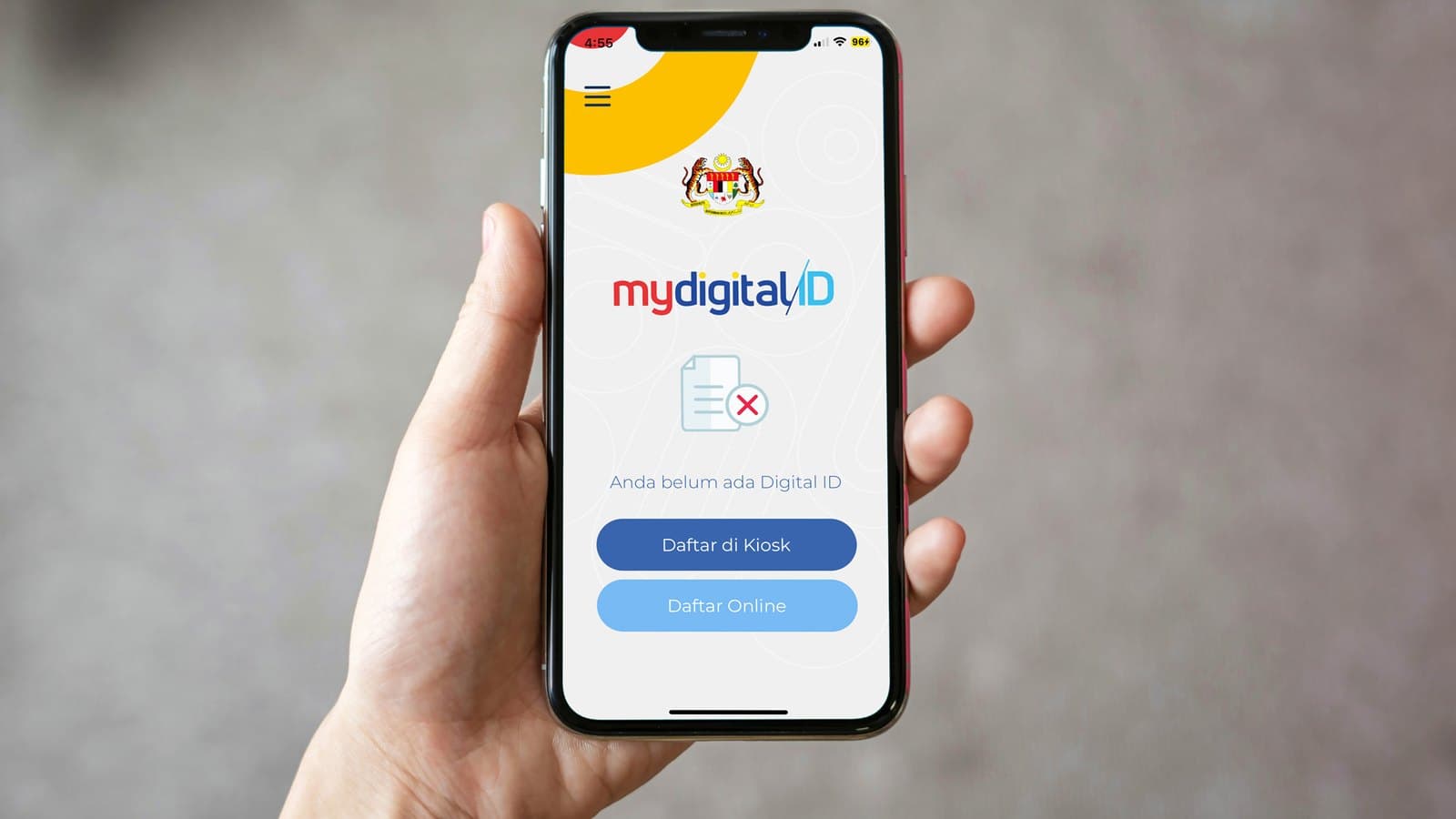
*Cover image: the MyDigital ID app's registration screen. Image: MyDigital ID.*
What MyDigital ID is, and what it is not
MyDigital ID is a government digital identity built by My Digital ID Sdn Bhd, which its FAQ describes as a government agency supervised by the Prime Minister's Department. You register once, and the app becomes your key for any portal that offers a "MyDigital ID" login. On a computer you scan the portal's QR code with the app and enter your password. On the same phone, the login page hands you over to the app and back.
Three points from the FAQ are worth knowing before you start:
- It is free for all Malaysian citizens.
- It is smartphone only. There is no desktop or card version.
- It does not replace MyKad. At a physical counter you still show your IC. MyDigital ID is only for proving who you are online.
The agency says it does not store your fingerprints or face data, and that the identity check refers to the National Registration Department (JPN) database. Since app version 2.6.0 you can approve logins with your phone's own fingerprint or face unlock instead of typing the password each time.
Where it is compulsory, and where it is not yet
The FAQ is candid that, for now, other login methods still work for most government services. Two big apps are the exceptions:
- MyJPJ (road tax, licence renewal, summonses): MyDigital ID only, from 1 May 2026, per The Star. JPJ had first named 1 February.
- MyNIISe (the immigration app for departing Malaysians): the Home Ministry told users to get MyDigital ID by 15 January 2026, per Malay Mail.
The app's own tutorial page lists login guides for BUDI95, eCOSS (the subsidised cooking oil system), MyPTPTN, MyBayar (PDRM summonses), SPA9 job applications and the telco apps. Zahid also said 19 state-level platforms, such as local council and land office services, were connected, with 28 more in development.
Prepaid SIM cards are the next front. MCMC registered a mandatory standard on 26 February 2026 that builds MyDigital ID into self-registration, caps ownership at five prepaid SIMs per person per telco for citizens and permanent residents (two for non-citizens), bars registration for children under 12, and requires a parent or guardian to register for those aged 12 to 17.
How to register online
Have your MyKad on the table and good light on your face. Install MyDigital ID from the App Store, Google Play or Huawei AppGallery, then:
- Tap Daftar Online (Register Online), enter your email and the one-time password sent to it, then your name and MyKad number.
- Photograph the front and back of your MyKad when prompted.
- Complete the face scan.
- Set a password of at least eight characters.
If you have already done pre-registration, the app skips the name and IC check. You can pre-register in your KWSP i-Akaun by confirming the MyDigital ID prompt on the dashboard, or at a JPN counter.
How to register at a kiosk
If the face scan keeps failing, or your phone's camera struggles with the card, go to a kiosk. MyDigital ID says there are nearly 700 around the country, and the "Find a kiosk near you" search sits on the support page of digital-id.my. Bring your MyKad (or MyTentera) and a phone with mobile data. In the app choose Daftar di Kiosk, scan the QR code on the kiosk screen, insert your card and follow the steps. The agency added real-time face verification at kiosks in June 2026.
The new MyKad problem
JPN began issuing the redesigned MyKad in mid-September 2026. If you already had MyDigital ID, nothing changes: the agency said on 18 September that existing certificates keep working.
First-time registrants with the new card were the ones stuck. Sinar Harian and SoyaCincau reported on 20 September that the app's camera frame still expected the old layout and returned "Wrong ID detected". MyDigital ID said online support for the new card would arrive on 1 October and pointed people to kiosks in the meantime. The chip on the new card sits on the back, so flip it before inserting it into a kiosk reader. If your app has not updated yet, a kiosk remains the reliable route.
Renewal, a lost phone and a forgotten password
Renewal: the certificate is valid for one year from registration. Renew it inside the app before it lapses.
Forgotten password: there is no reset. After several failed attempts you must revoke the certificate and register again, either online or at a kiosk.
New, lost or broken phone: uninstalling the app invalidates the certificate. Revoke it first using a family member's phone (Menu, then Cancel Digital ID, then an eKYC check) or at a kiosk, and then register on the new phone. Do this before you trade in a phone, not after.
The helpdesk is on 03-8687 2772 (7.30am to 9pm, including public holidays) or info@myid.my.